Free AI Video Tools
Restyle a clip, swap a face, or animate a photo. Your own footage goes in and the original motion comes back unchanged. Free to start, no card, no watermark on paid.
Or jump straight to a tool
 Movie TrailerA premise to a trailer
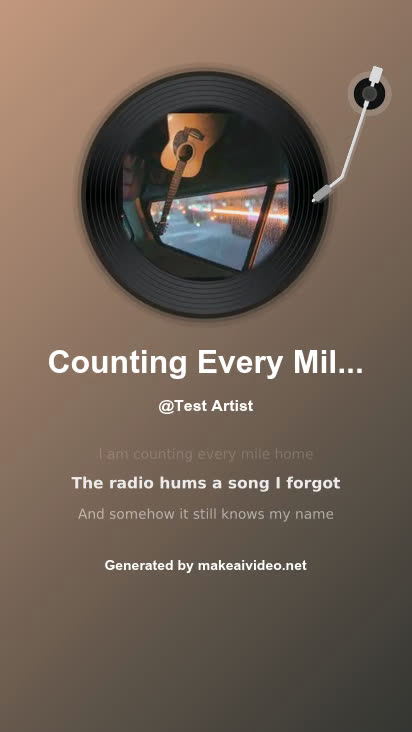 Lyric VideoLyrics to a song + video
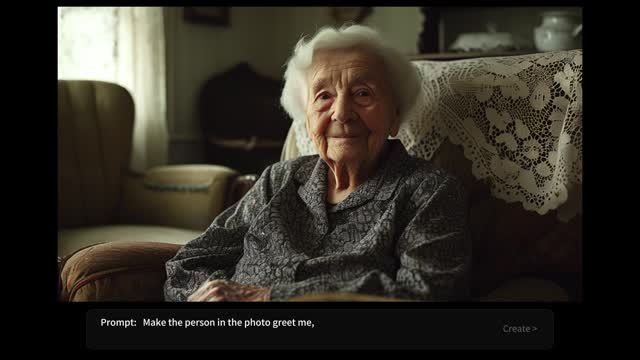 Animate a LogoStatic logo to motion
- Hair Colour ChangerTry a colour first
- Animate Old PhotosA print, brought to life
 AI Hug VideoOne photo of two people
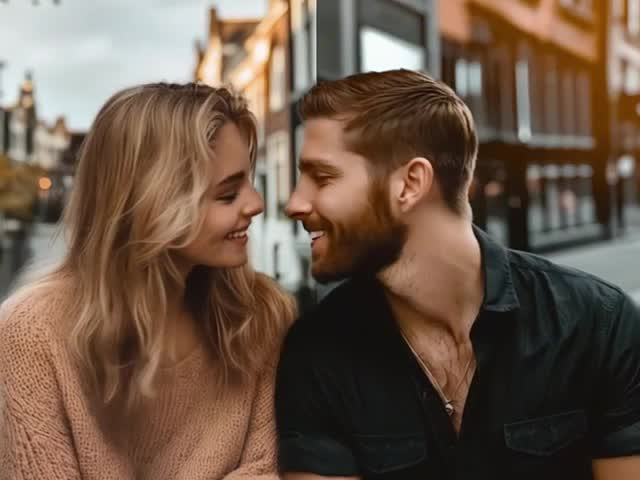 AI Kiss VideoOne photo of two people
- Talking PhotoA photo that speaks
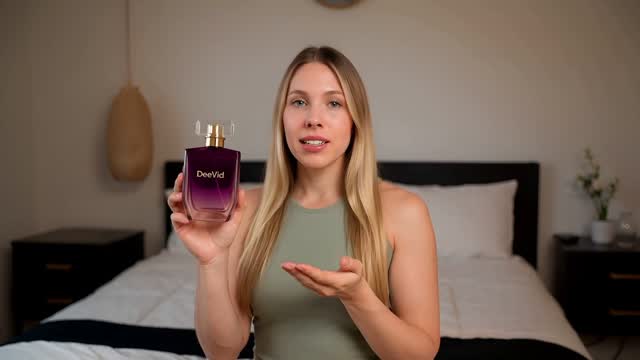 AI Ad GeneratorProduct shot to ad
- AI GIF GeneratorA prompt to a GIF
- Explainer VideoScript to explainer
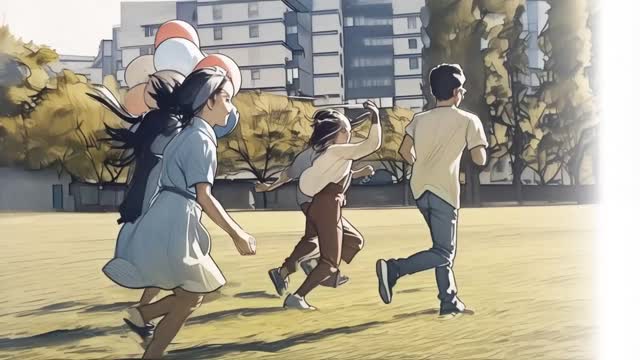 Video ExtenderMake a clip longer
- Transition MakerBetween two shots
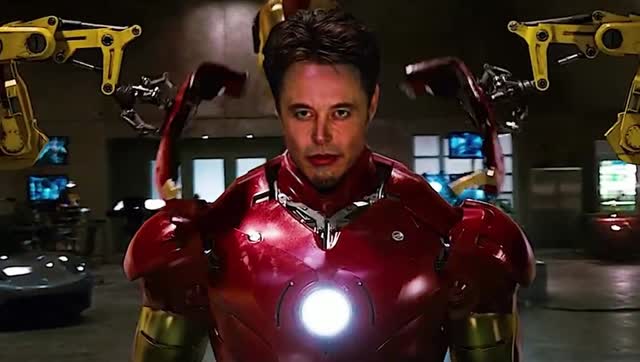 Face Swap VideoOne face into any clip
Video to Video AI
Upload a clip and get it back in a new style. The motion, timing and framing you shot stay exactly as they were — only the look changes.
Face Swap Video
Put one face into any clip. Works on footage you shot yourself, and the original movement is preserved frame by frame.
Image to Video
Start from a still photo instead of a clip. Describe how it should move and get a short video back.
How Video to Video AI Works
No editing skills needed. Your footage goes in, the same footage comes back in a new style — four steps, a couple of minutes.
Upload Your Clip
Drop in an MP4, MOV or AVI up to 100MB. Steady footage with one clear subject restyles best.
Pick a Style
Anime, cartoon, watercolor, cyberpunk and more. Or describe the look you want in your own words.
AI Restyles Every Frame
The look changes frame by frame while the original motion, timing and framing stay exactly as you shot them.
Download and Share
Free runs come out at 720p with a watermark. Paid plans unlock 1080p, longer clips and clean exports.
See what each tool does
Each clip shows the kind of result one of these tools produces, and links straight to it so you can run the same thing on your own footage.
One engine, every style
Every tool below runs on the same restyle engine and keeps your original motion. Pick whichever name matches what you are trying to do.
Simple pricing for everyone
Choose the perfect plan for your video creation needs. Start free and upgrade as you grow.
Starter
Enough to find out if this works for you
400 credits per month
Pro
For people publishing every week
1,000 credits per month
Studio
For teams and heavy output
3,000 credits per month
Every tool on Make AI Video
All of them run on the same engine and all of them keep your original motion. Free to start, no card required.
Photo to video
Frequently asked questions
Which of these AI video tools are free?
All of them are free to start. A new account gets 30 credits with no card. Free runs export at 720p with a watermark; paid plans start at $9.9/month and add 1080p exports, no watermark and commercial usage rights.
What can I upload?
Photos as JPG, PNG or WebP, and short clips as MP4, MOV or WebM. Text to video needs nothing but a prompt. Face swap takes one face photo plus the clip you want it in; hug and kiss videos take a photo of two people.
What do I get back?
An MP4 you can download and post anywhere. Most tools let you pick 16:9, 9:16 or 1:1, a length of 5, 8 or 10 seconds, and 720p or 1080p. Face swap keeps the size of your source clip; lyric videos come out vertical.
Which AI models run here?
Runway, Veo 3 Fast, Veo 3, ByteDance V1 Pro and WAN 2.2, all on one account and one credit balance. Each generation costs between 6 and 125 credits depending on the model, so the expensive ones simply spend your balance faster.
Does the result keep my original motion?
For the tools that start from your own footage, yes. Face swap keeps every frame of the clip and changes only the face. Video to video restyling repaints the frames in a new look while the movement, timing and framing stay where they were.
Is video to video restyling open yet?
Not yet. It is the one tool here that is not wired up to a provider; the page takes an email address and we will tell you the day it opens. Face swap, image to video, text to video, hug and kiss videos and lyric videos all run today.
How long does a generation take?
Usually around a minute. Veo 3 and longer 1080p clips take more, and lyric videos run two passes (the song first, then the video), so allow a little extra for those.
Can I use the videos commercially?
Commercial usage rights are included on every paid plan. Whatever the plan, you need the rights to the footage and photos you upload.
Do I need to install anything?
No. Everything runs in the browser, on desktop or phone. Nothing to download and no editing software needed.
Your footage in, a new style out
Upload a clip, pick a style, and keep the motion you shot. Free to start, no credit card required.